
# How to Take the Assigned Assessment?
To complete an assigned assessment, follow these steps:
# 1. Access Your Assessment
- Log in to the portal.
- Click on the My Training tab.
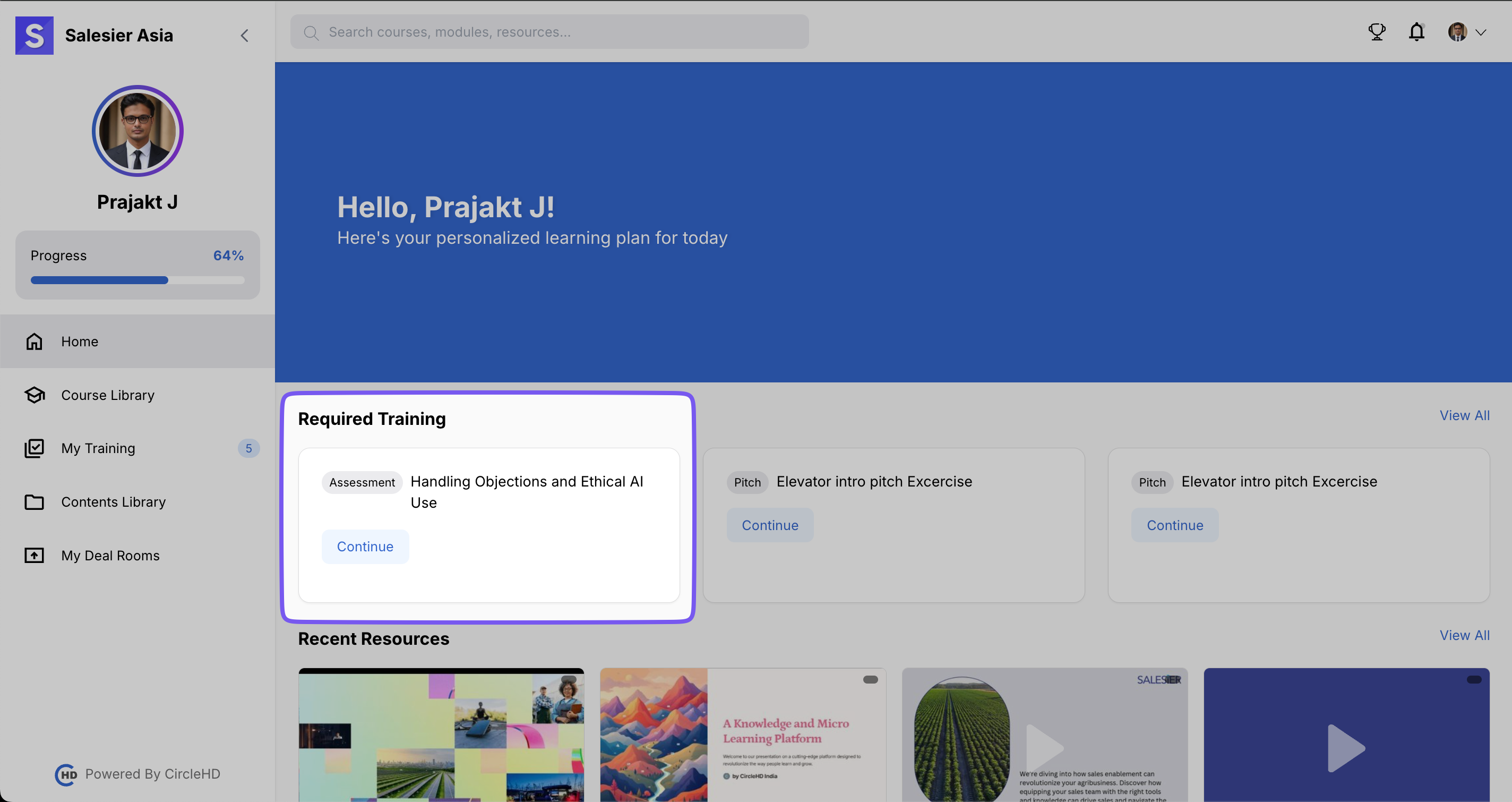
- Select Assigned Assessment.
# 2. Start the Assessment
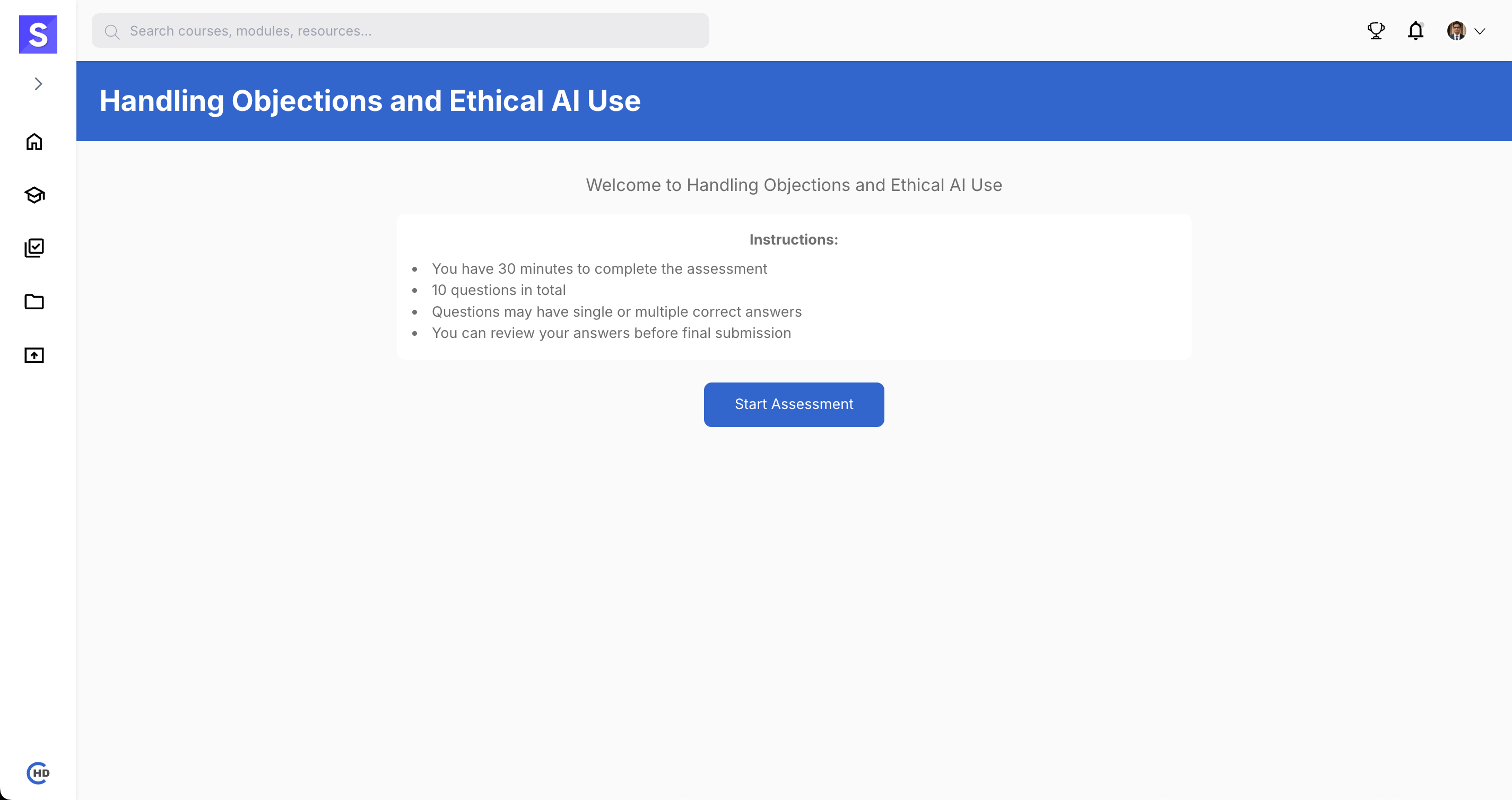
- Read the instructions carefully.
- Click on the Start Assessment button.
# 3. Answer the Questions
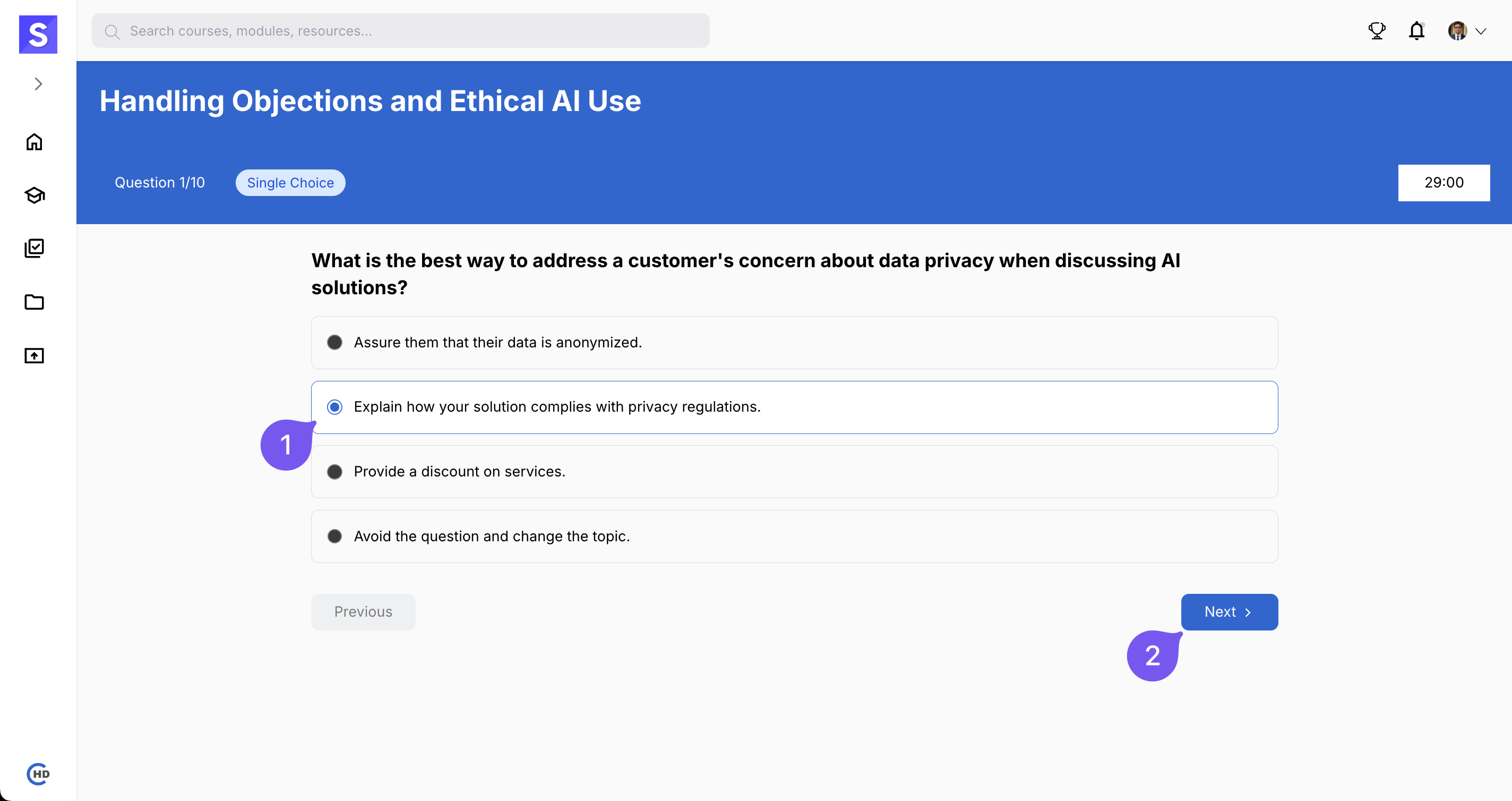
- Select the correct option for each question.
- Click Next to proceed to the next question.
- Ensure all questions are answered.
# 4. Submit the Assessment
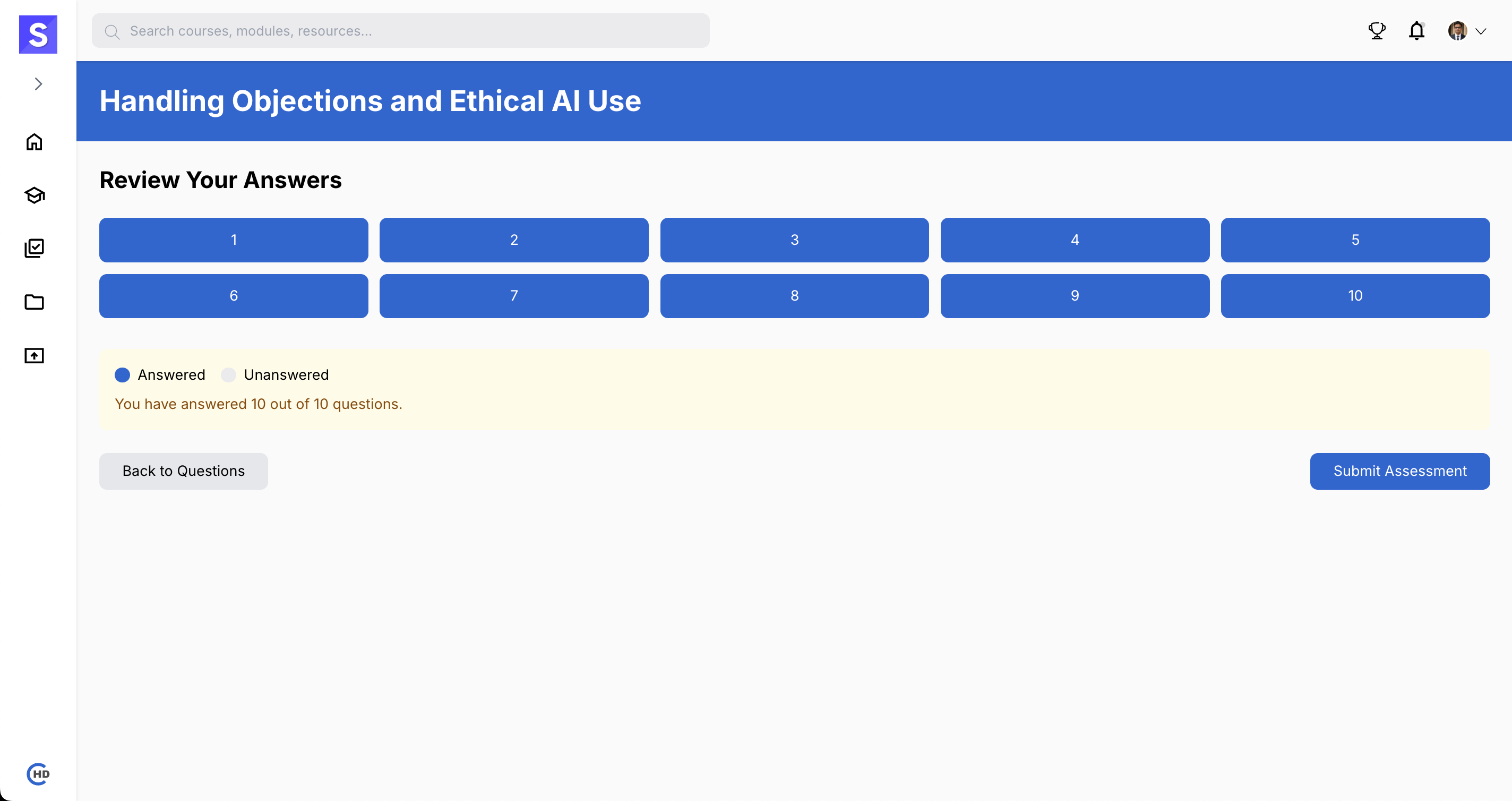
- Review your answers before submitting.
- Click on Submit Assessment to complete the process.
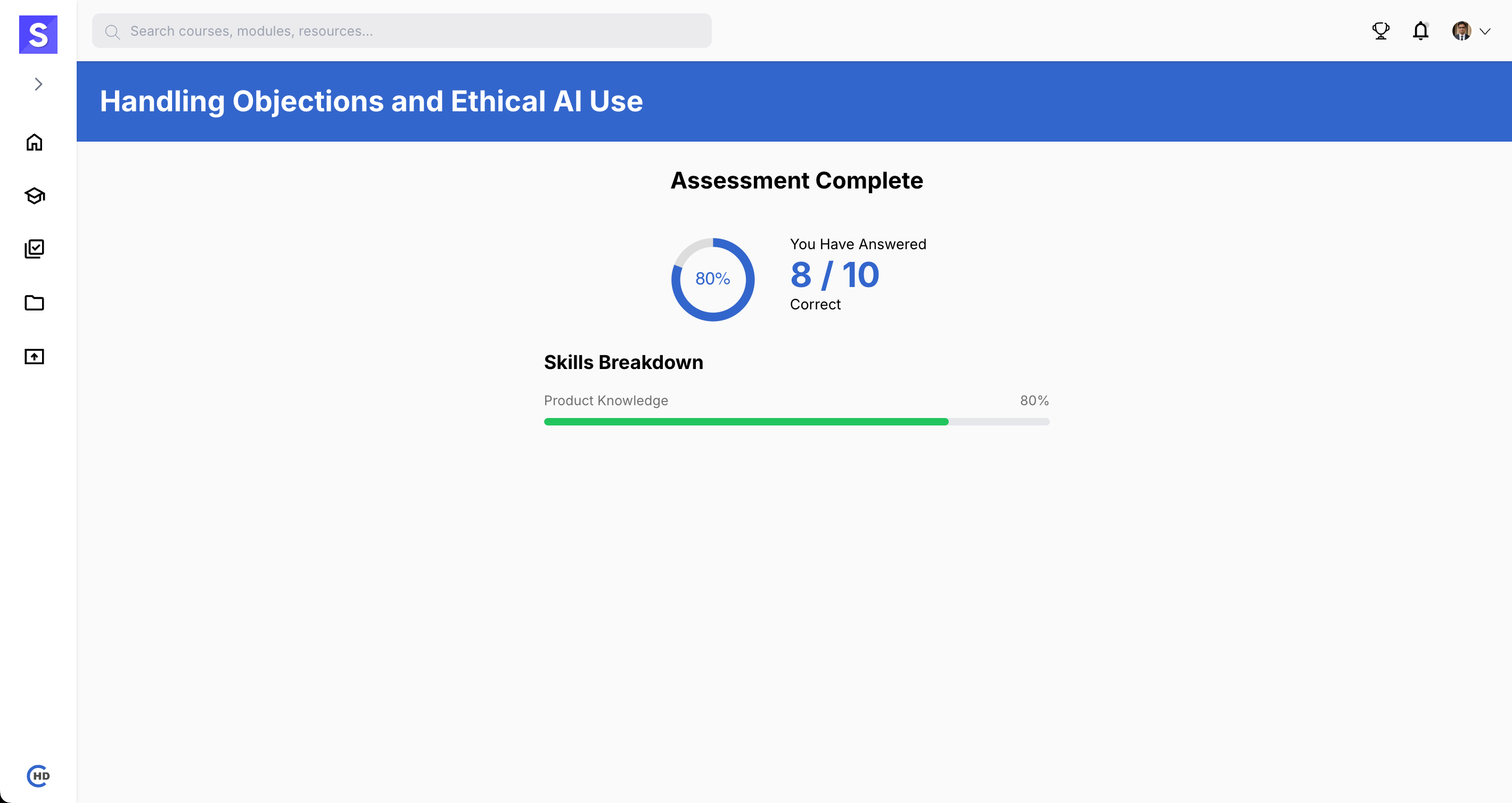
# 5. View Your Results
- Once submitted, check your assessment results.