
# How to Take the Assigned Course?
To complete an assigned course, follow these steps:
# 1. Access Your Course
- Log in to the portal.
- Click on the My Training tab.
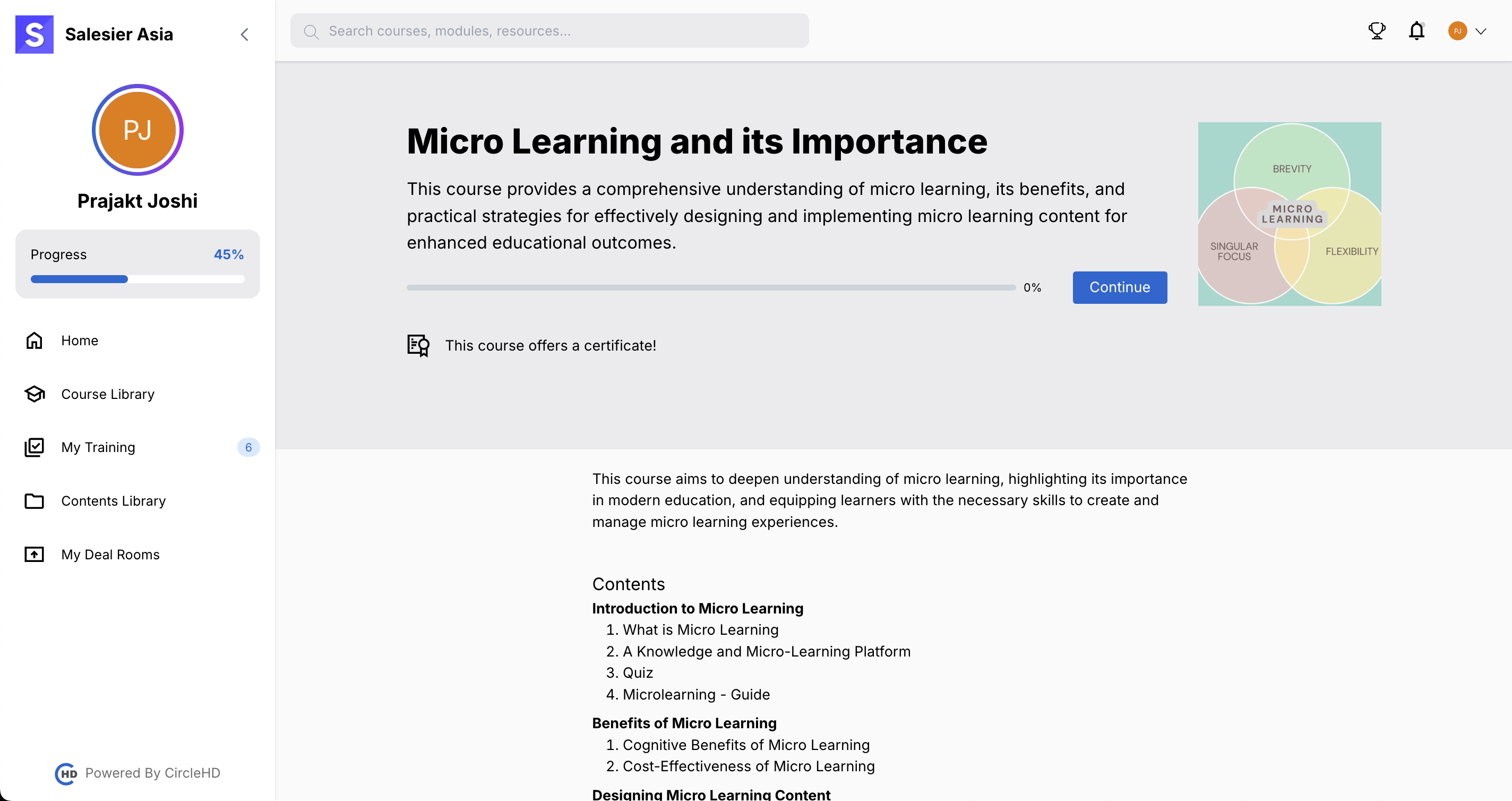
- Select the assigned course.
- Read the Course Description before starting.
# 2. Start the Course
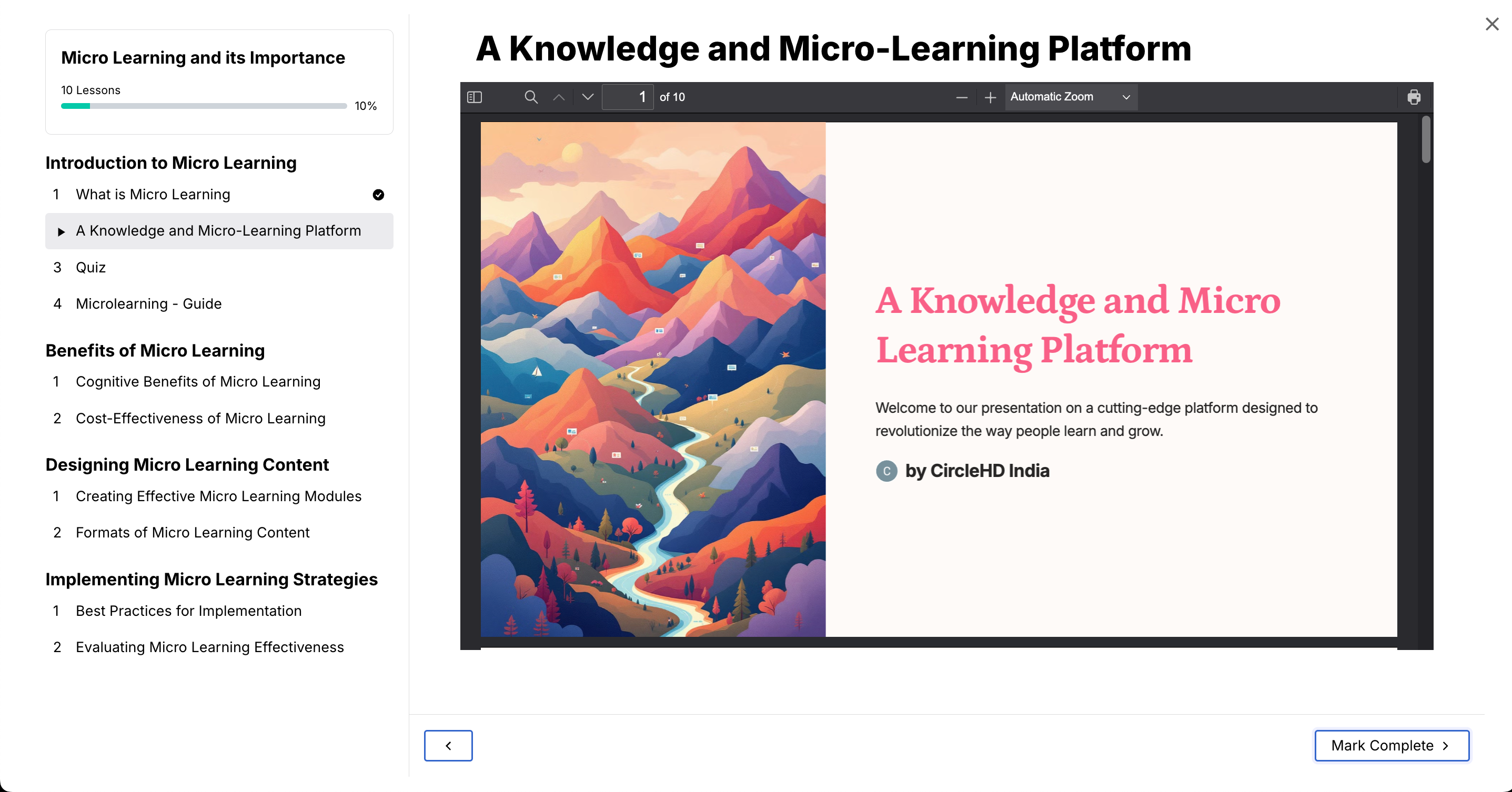
- Click on the Start Course / Continue button.
- Go through the course content carefully.
- Click Mark as Complete after finishing each unit.
# 3. Complete the Quiz
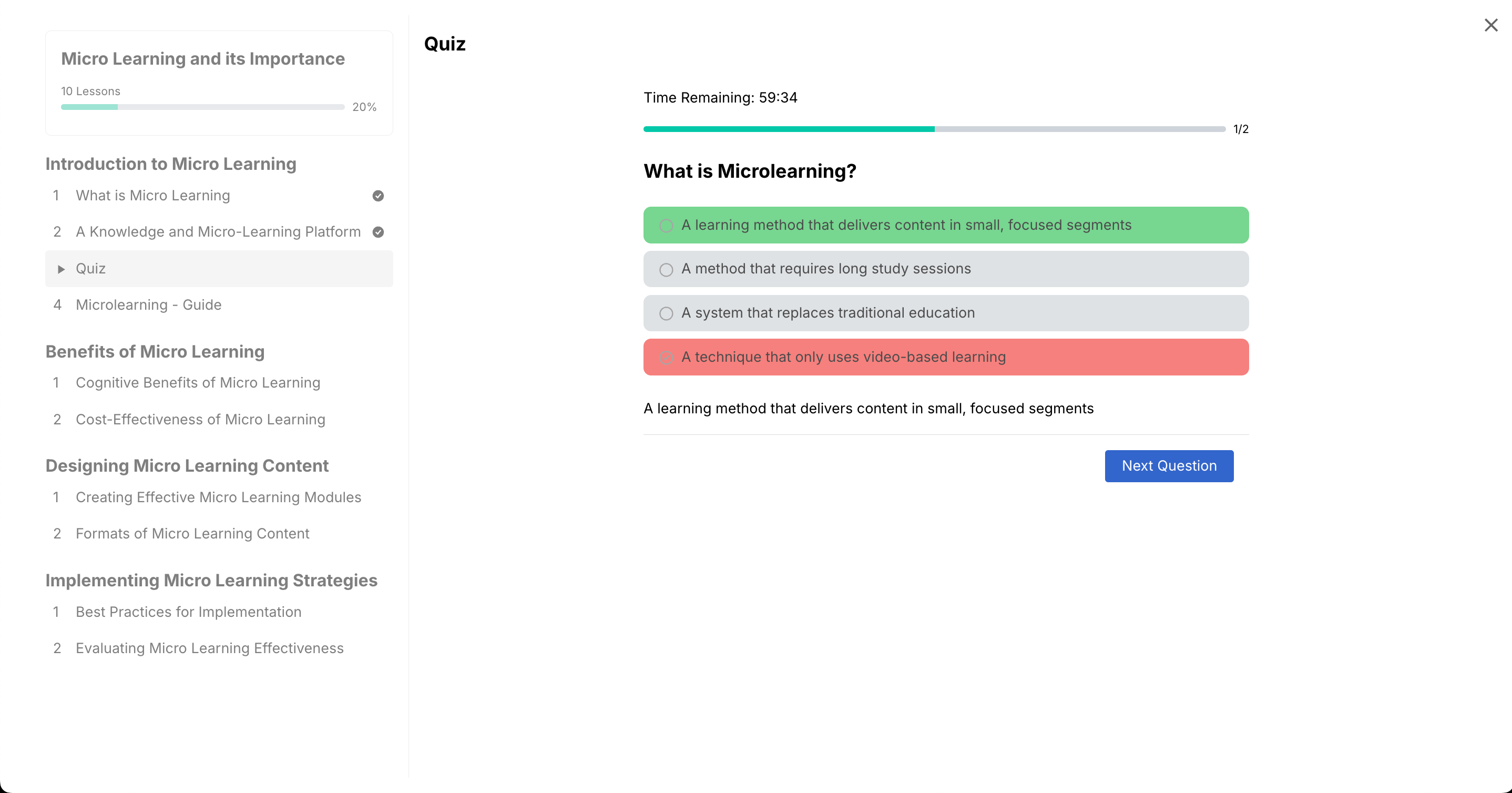
- Answer the quiz questions. (Single-choice / Multiple-choice)
- Ensure you select the correct answer before proceeding.
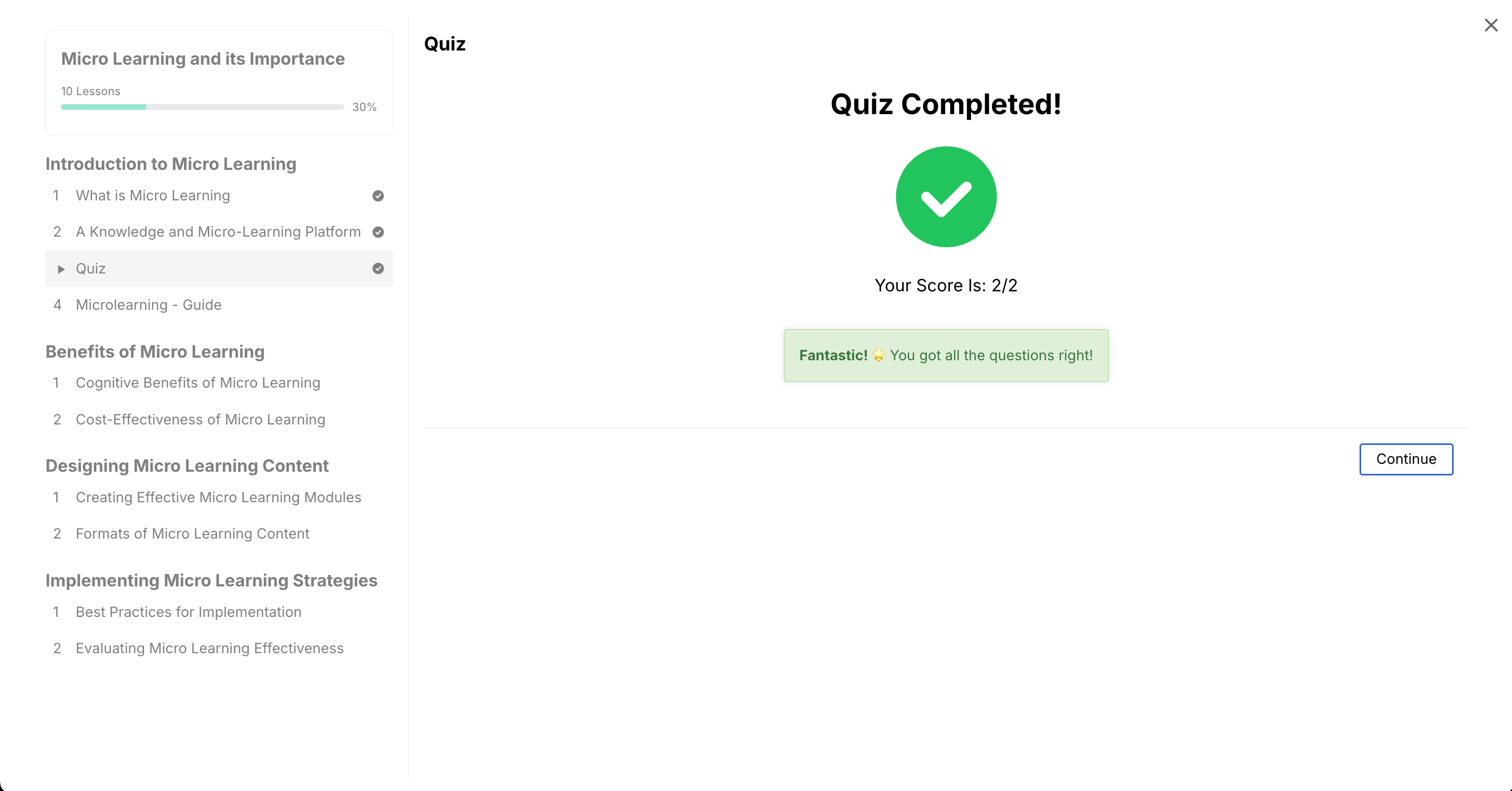
- This screen appears if you pass the quiz with a passing score or higher.
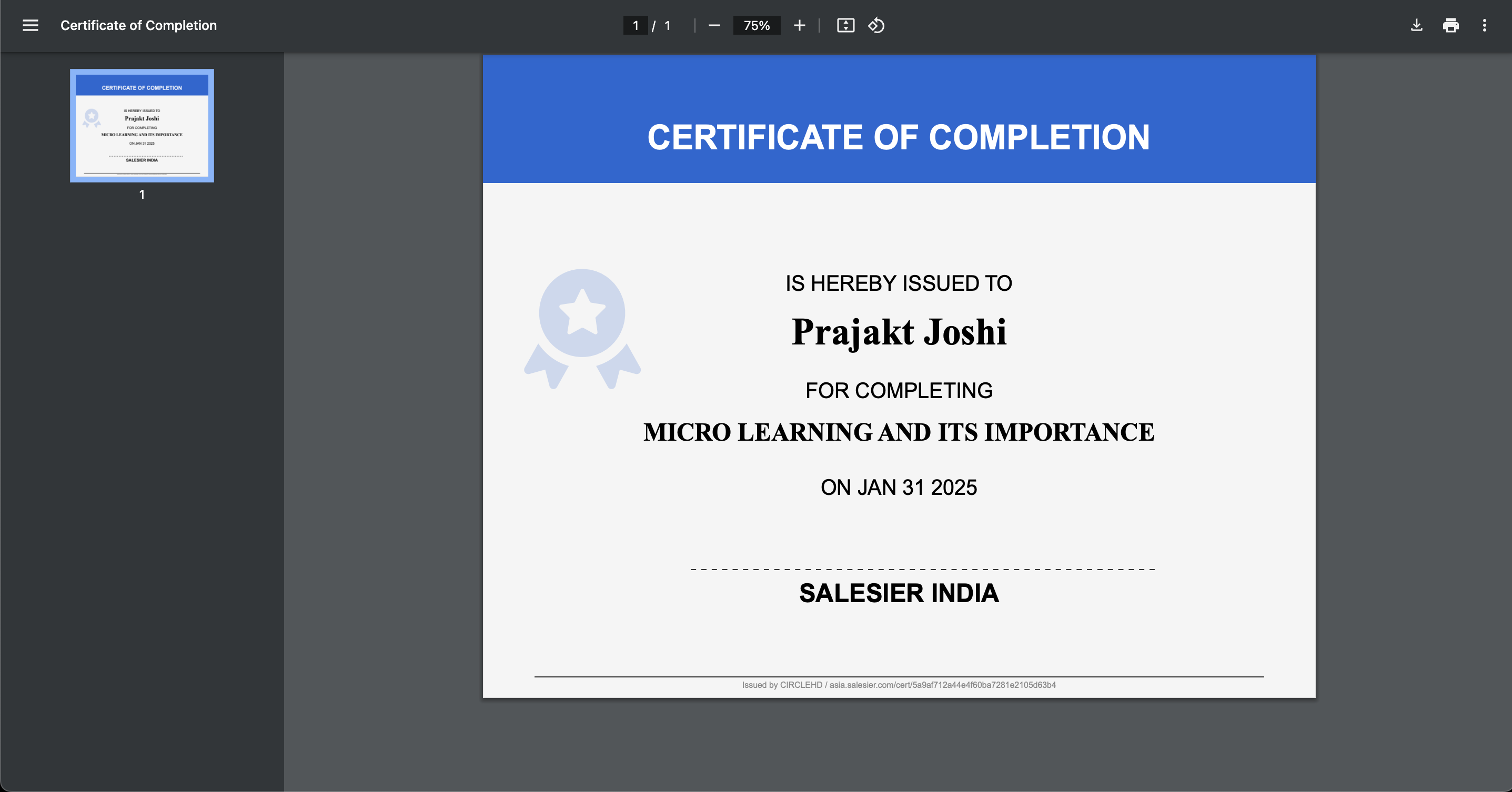
# 4. Download Your Certificate
- If the course offers a certificate, you can download it after completion.
# 5. Complete the Course
- Ensure all sections are marked Complete to finalize the course.