
# Role Play
# AI Roleplay Feature – Skill Development Tracker
The Role Play section enables users to practice and enhance their sales and communication skills through AI simulated scenarios. It includes recorded sessions, skill evaluations, and negotiation practice across various business domains.

# 📌 Key Features
# 1. Sessions Tab
The Sessions tab lists all available role play recordings or practice modules.
Each row includes:
- Title: Descriptive name of the session (e.g., "Cross-Selling EV Charging Solutions").
- Date: The date on which the session was created or added.
# 2. Create New Session
- Use the + New Session button (available for users with permissions) to record or upload a new role play video.
- This allows learners or managers to simulate new scenarios and evaluate them using the skill graph.
# 📈 Skill Graph Tab
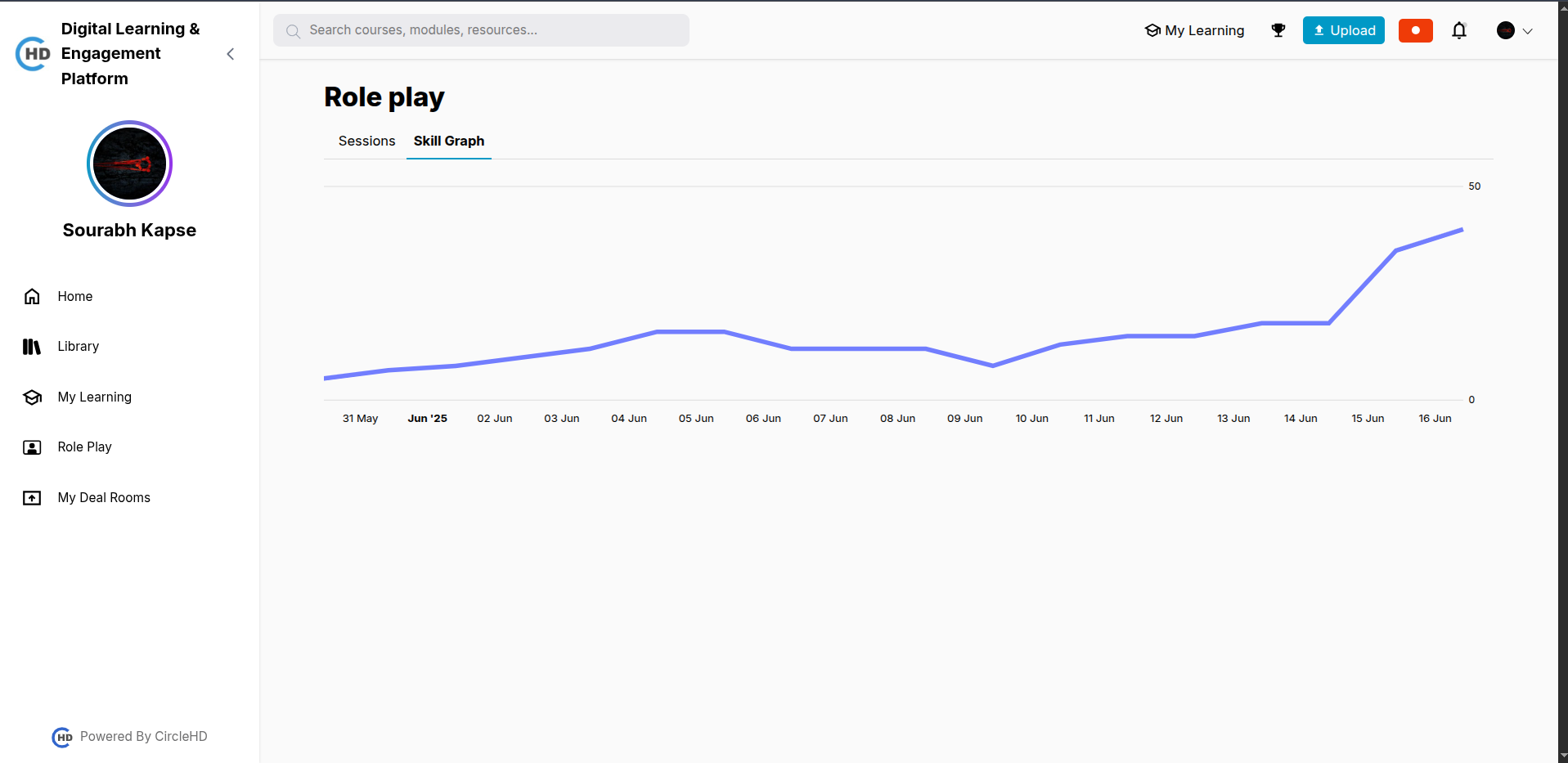
The Skill Graph (accessible in a separate tab) provides visual feedback on user performance across skill dimensions and across the time period.
Note: This view may require recording submissions and may be restricted based on role.
# 🎯 Use Case
The Role Play section is ideal for:
- Sales Enablement Teams
- Customer-Facing Roles
- Onboarding New Employees
- Interview Practice & Mock Calls
It is designed to help individuals practice and polish their skills in a controlled, feedback-driven environment.