
# How to Sign Out?
Easily log out of your CircleHD account by following these steps.
# Step 1: Open the Profile Menu
- Click on your profile icon in the top-right corner of the dashboard.
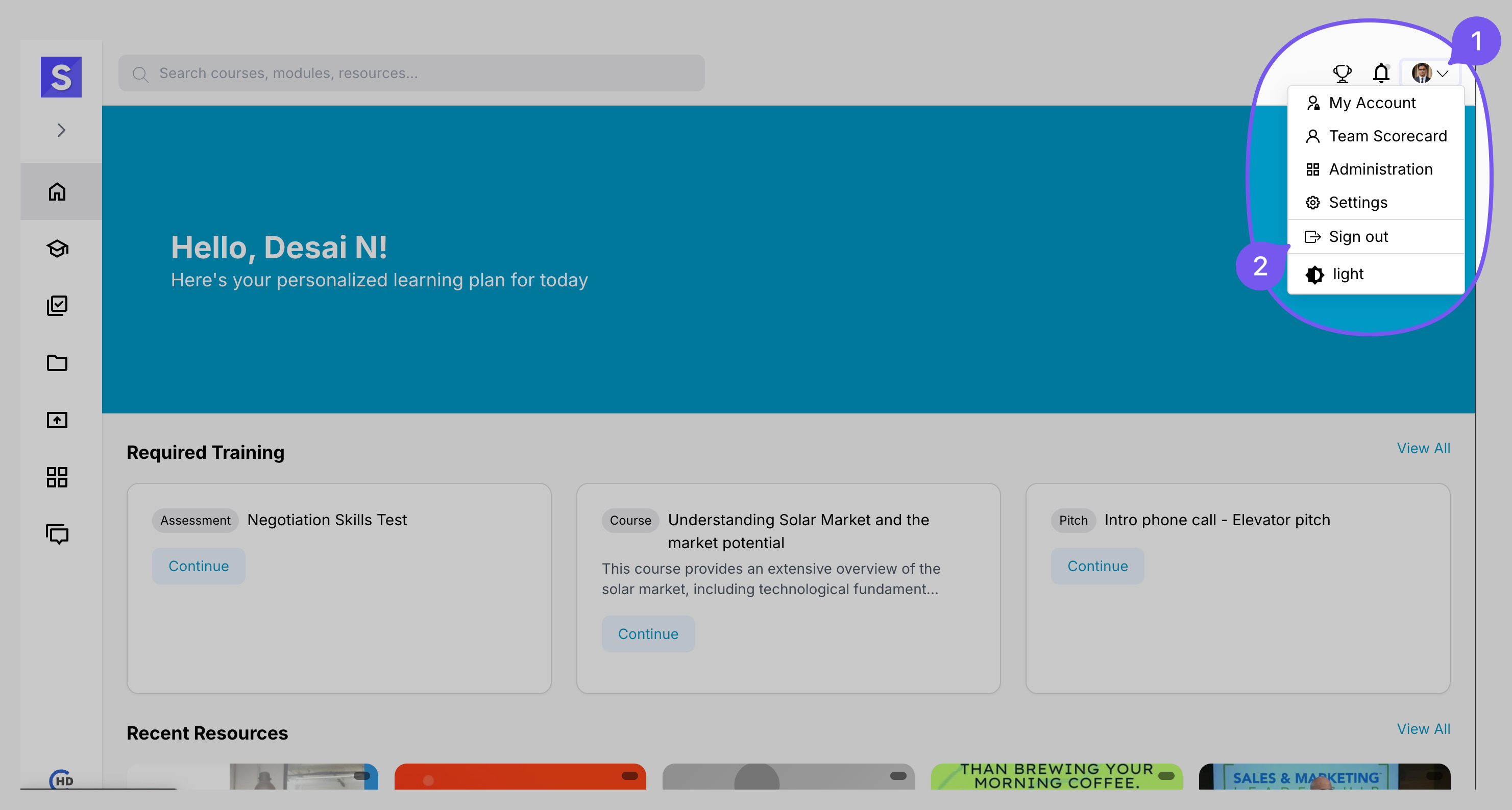
# Step 2: Sign Out
- Click the Sign Out option from the dropdown menu.
# What Happens Next?
✅ You will be securely logged out of the platform.
✅ You will be redirected to the login page.
For security, always sign out when using a shared or public device. 🔒