Managing Created DealRooms
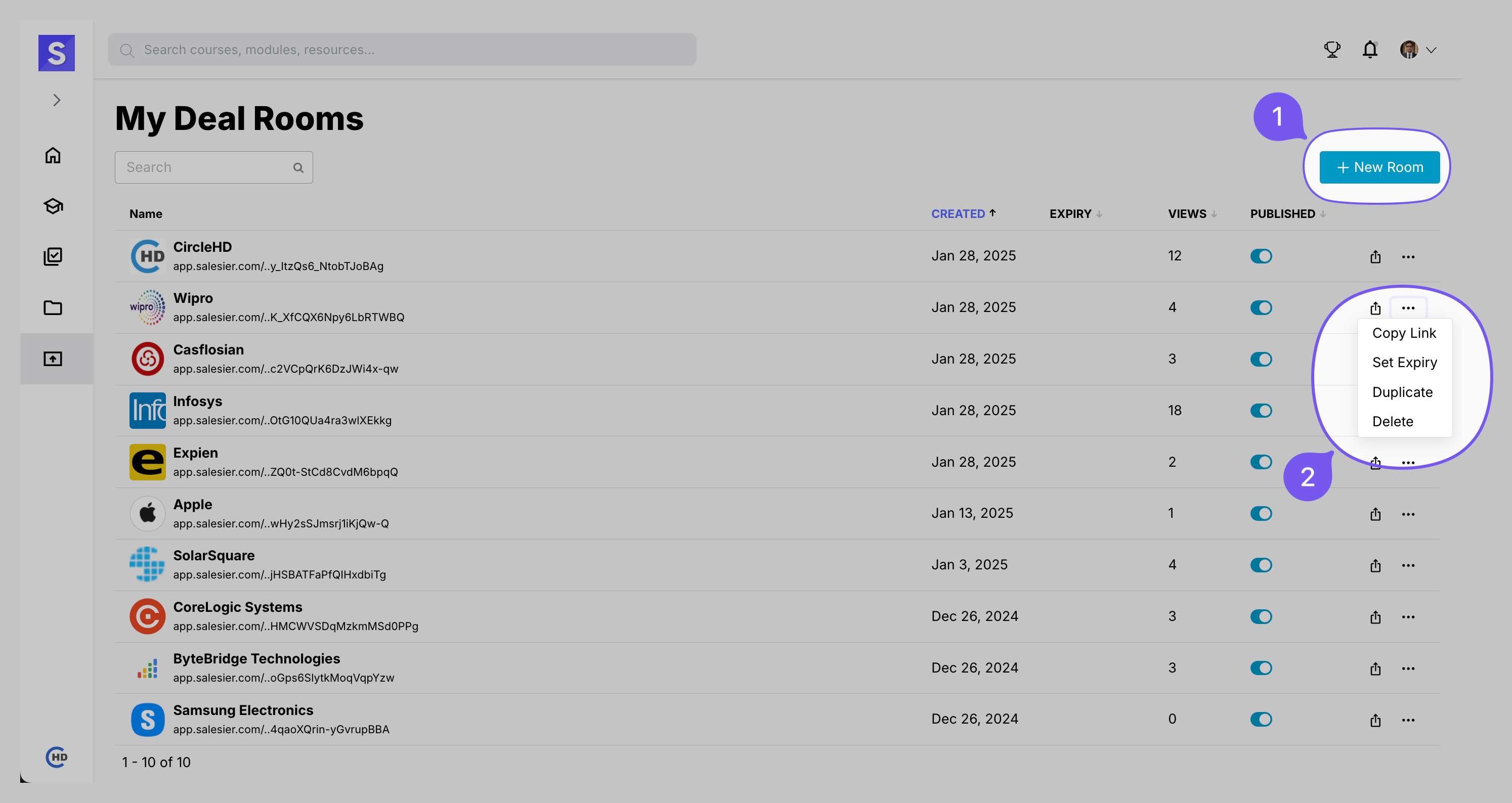
Managing DealRoom Settings
- Track Views: Monitor engagement by clicking on the VIEWS tab.
- Toggle Publish/Unpublish: Control the visibility of the DealRoom.
- Use the Three-Dots Menu for additional actions:
- Copy Link: Get a shareable link to the DealRoom.
- Set Expiry: Define an expiration date to limit access.
- Duplicate: Create a copy of the DealRoom.
- Delete: Permanently remove the DealRoom.
Checking DealRoom Views

- Click on the VIEWS tab to see how many users have accessed the DealRoom.
- A detailed view of user activity will be displayed.
