# Delete Group
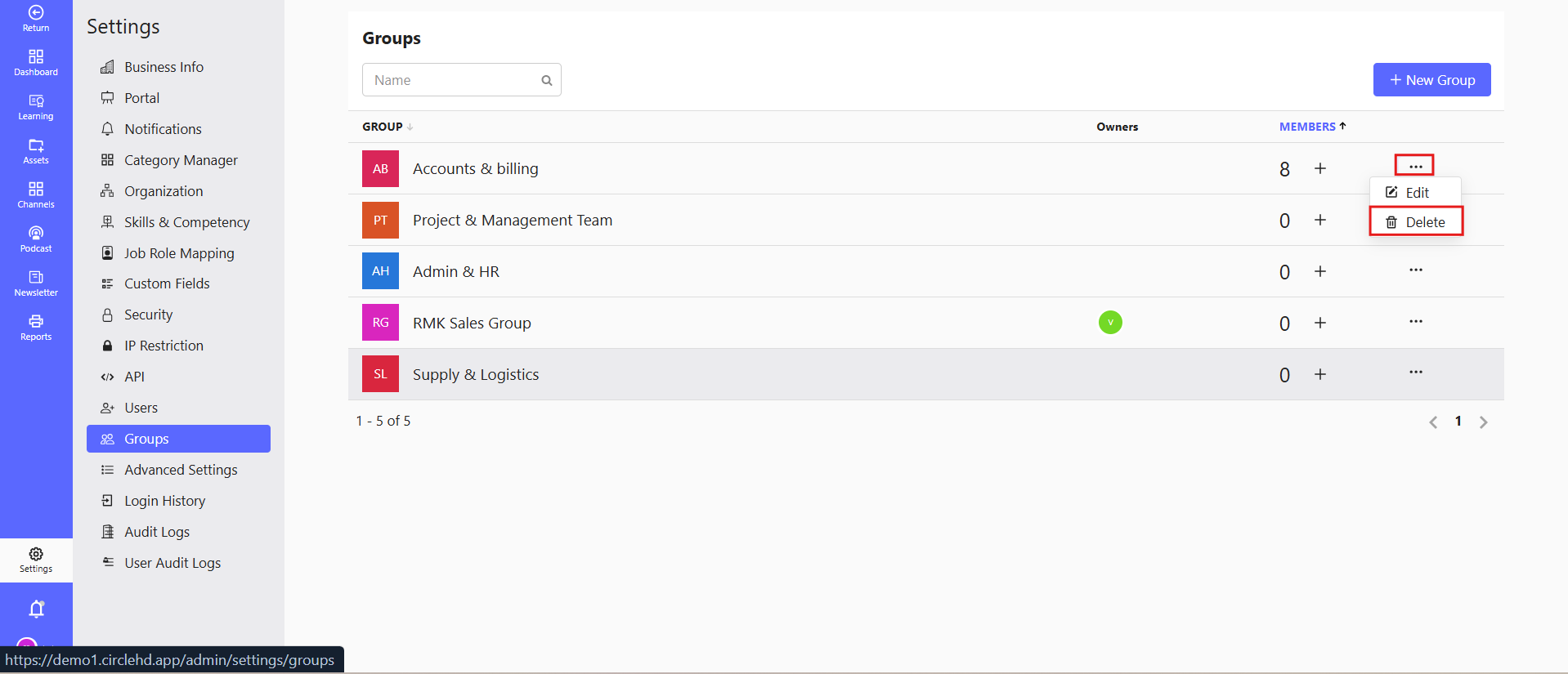
To delete a group:
- Navigate to the Groups section.
- Select the group to delete.
- Click the Delete button and confirm the action.
Note: Deleting a group does not delete the users in it. The users remain active on the platform.

To delete a group:
Note: Deleting a group does not delete the users in it. The users remain active on the platform.