Edit Channel
Steps to Edit a Channel
- Login to the Admin Panel.
- Navigate to the Channel feature from the left-side menu.
- Locate the required channel.
- Click on the Three-Dot Menu beside the channel.
- Select the Edit option.
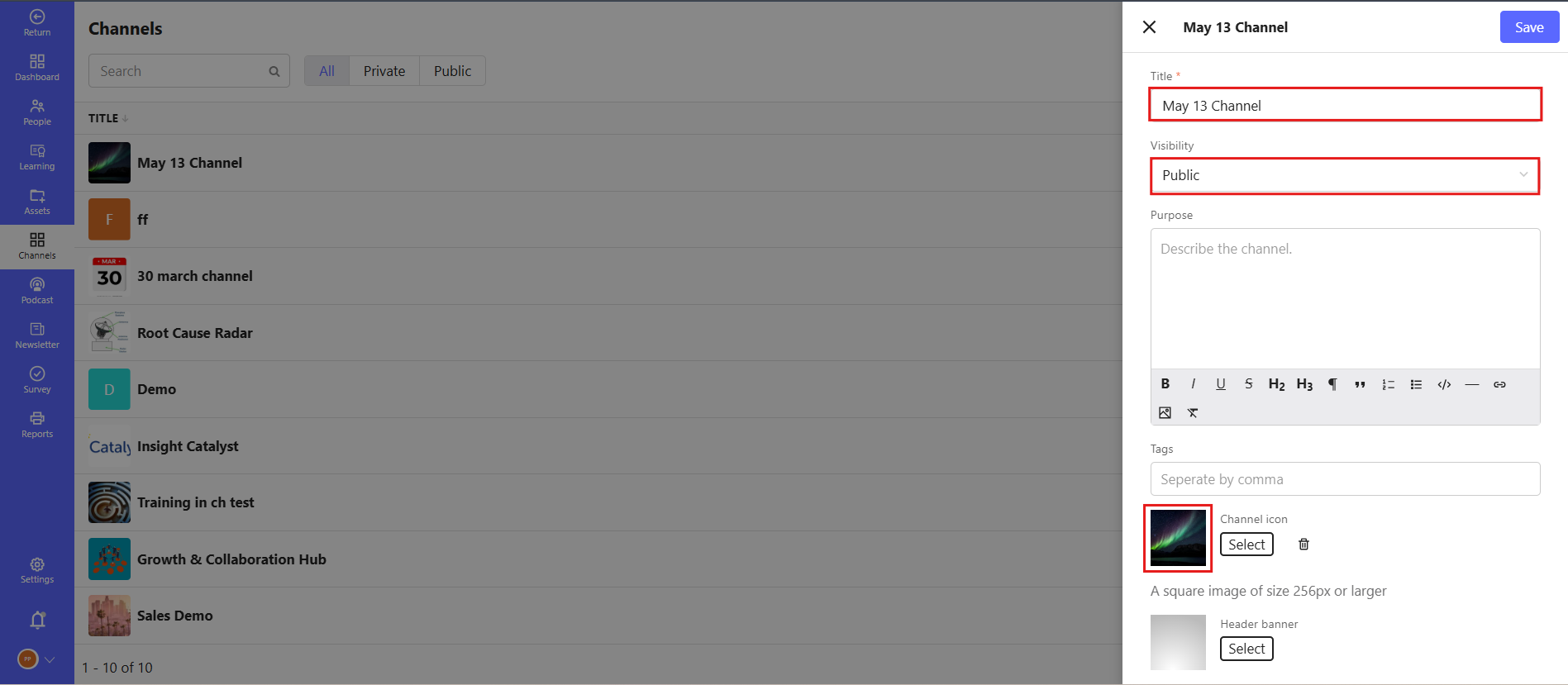
- Update the required details:
- Set Channel Visibility:
- Add the Purpose of the Channel.
- Upload a Channel Icon.
- Upload a Channel Banner.
- Click on the Save button available at the top-right corner to save all changes.
Example Use Case
- Editing a channel name or description.
- Changing the channel's visibility or permissions.
- Adding or removing channel members.
