
# How to Record Content?
- Easily create and store recordings in the Assets by following these steps:
# Step-by-Step Guide to Creating a New Recording
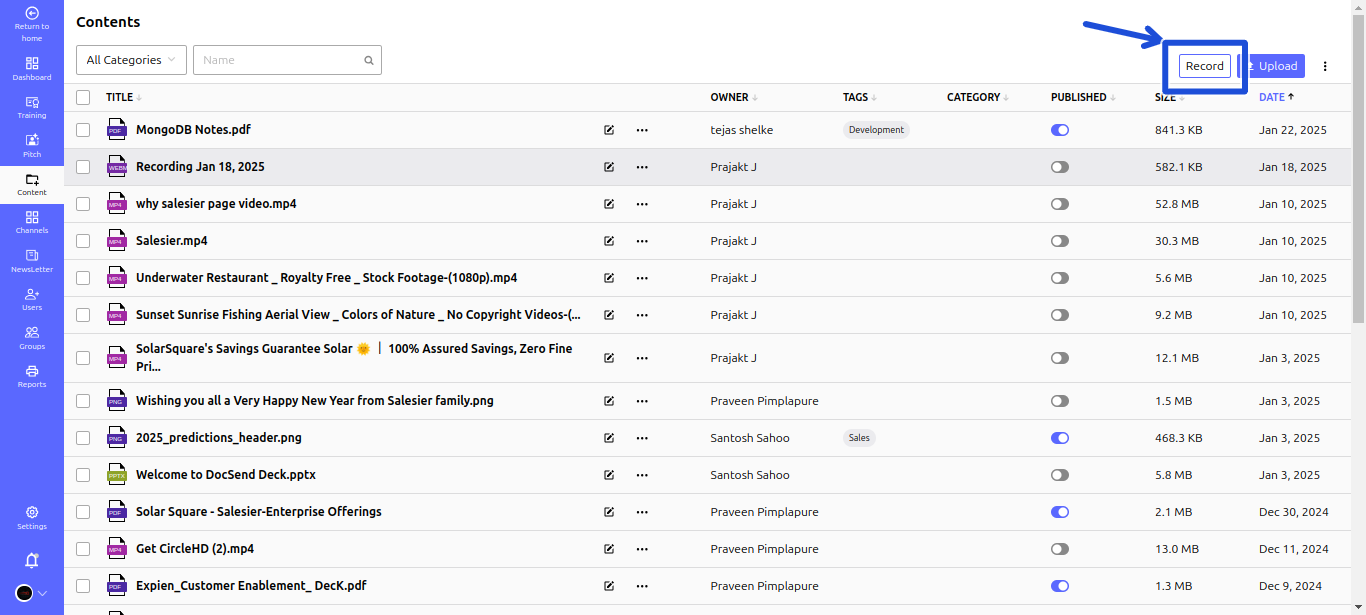
- Step 1: Access the Assets:
- Navigate to Assets and click on the Record button.
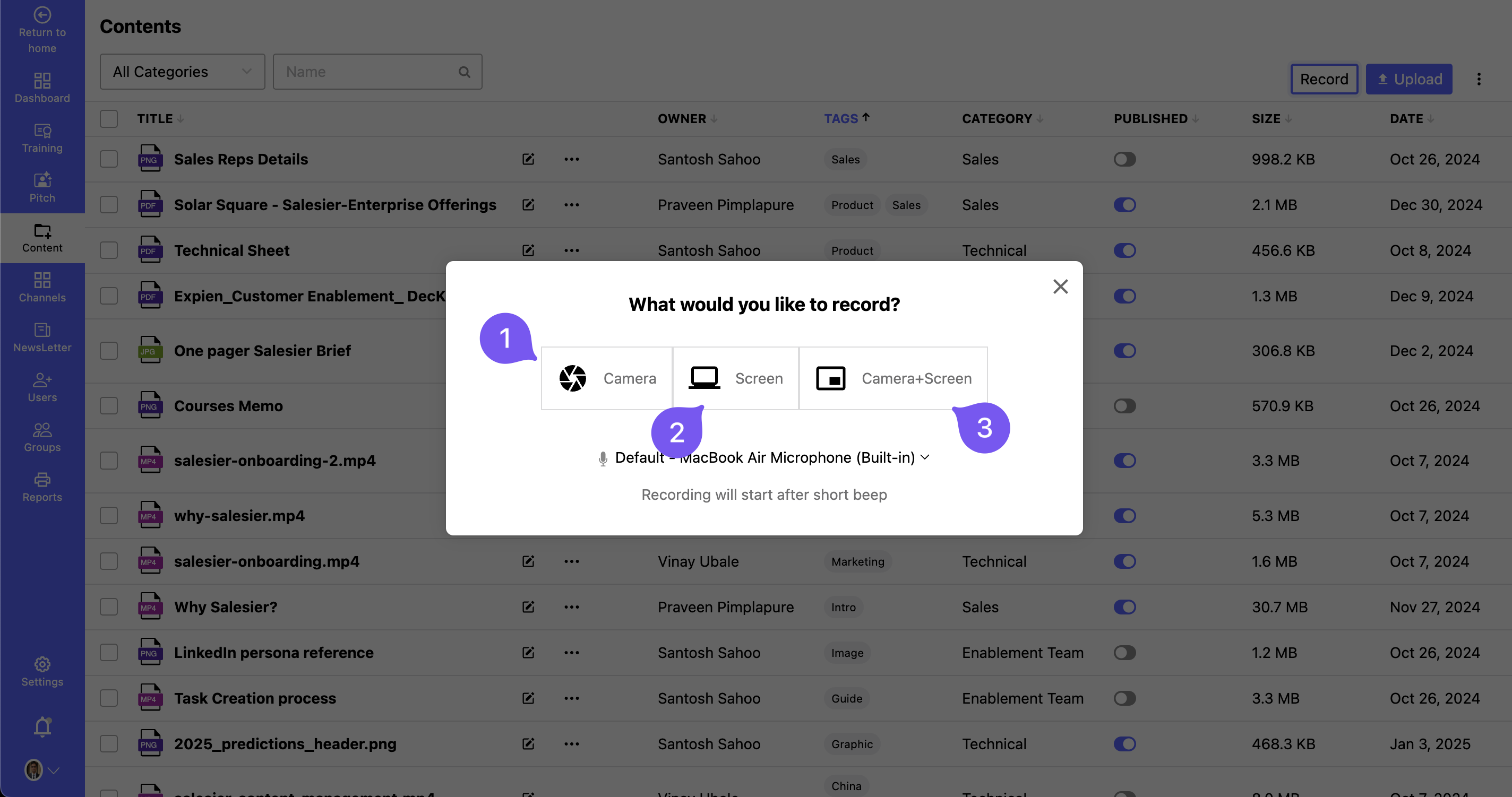
Step 2: Choose Your Recording Type:
- Select the preferred recording mode:
- Screen Recording – Capture your screen activities.
- Webcam Recording – Record using your webcam.
- Both Screen & Webcam – Capture both screen and webcam simultaneously.
- Select the preferred recording mode:
Step 3: Start & Stop Recording:
- Begin recording your content.
- Once finished, click Stop Recording to finalize the capture.
Step 4: Review & Save the Recording:
- Preview your recording to ensure quality.
- Click Save to store it in the Assets for future access.
Your recording is now available in the Assets, ready for sharing or editing!