
# Publishing a Course
Once your course is ready, you can publish it to make it available for learners.
# Steps to Publish a Course
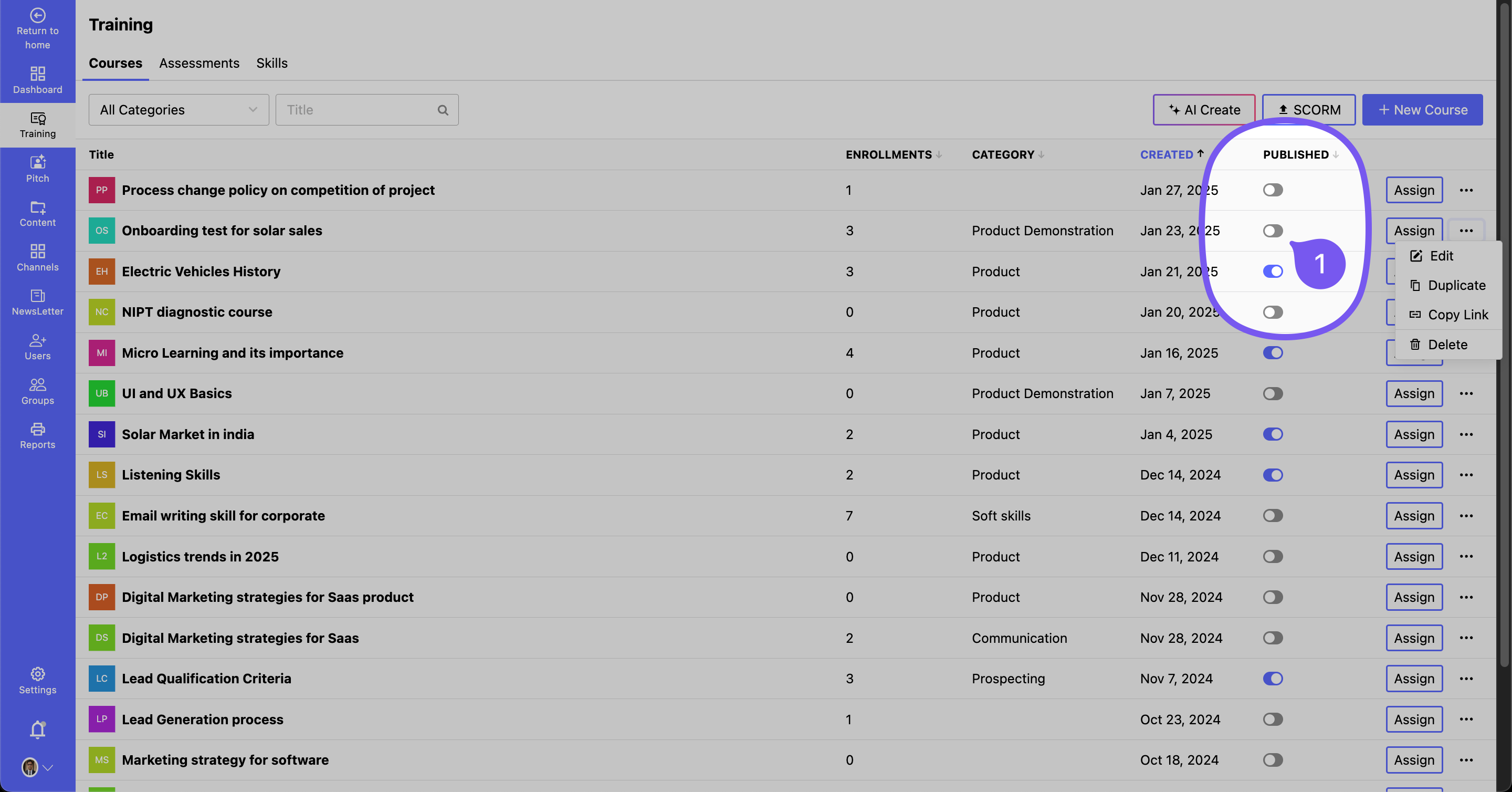
- Locate the course in Training > Courses.
- Toggle the Publish/Unpublish switch to change the course's visibility.
✅ Published State:
- The course is visible in the Course Library.
- Users can enroll in the course.
❌ Unpublished State:
- The course remains hidden from users.
- Course can be assigned to users.