
# Audit Logs
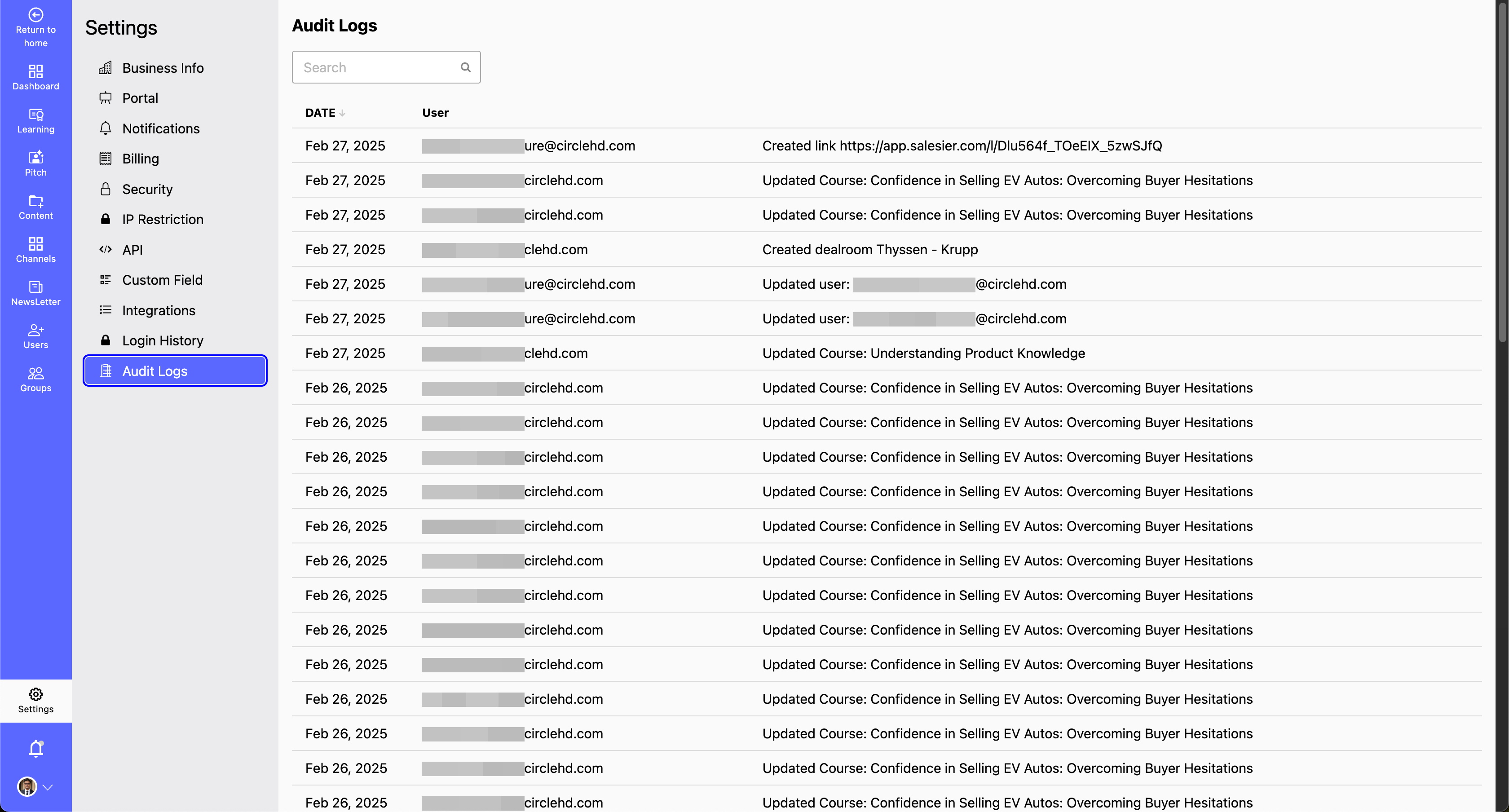
Audit logs provide a detailed record of all activities performed within the system, helping administrators monitor user actions and ensure security. These logs are automatically stored in a database and can be accessed anytime for review.
Why Are Audit Logs Important?
- Security & Compliance: Helps in identifying unauthorized access and ensuring adherence to company policies.
- User Activity Tracking: Allows admins to see who performed what action and when.
- Troubleshooting: Useful for diagnosing issues by tracking changes made to the system.
- How to Access and Use Audit Logs?
- Navigate to Settings > Audit Logs.
- View detailed logs of user actions, including login attempts, configuration changes, and data modifications.
- Filter logs based on user, action type, or date to quickly find relevant records.