
# Security
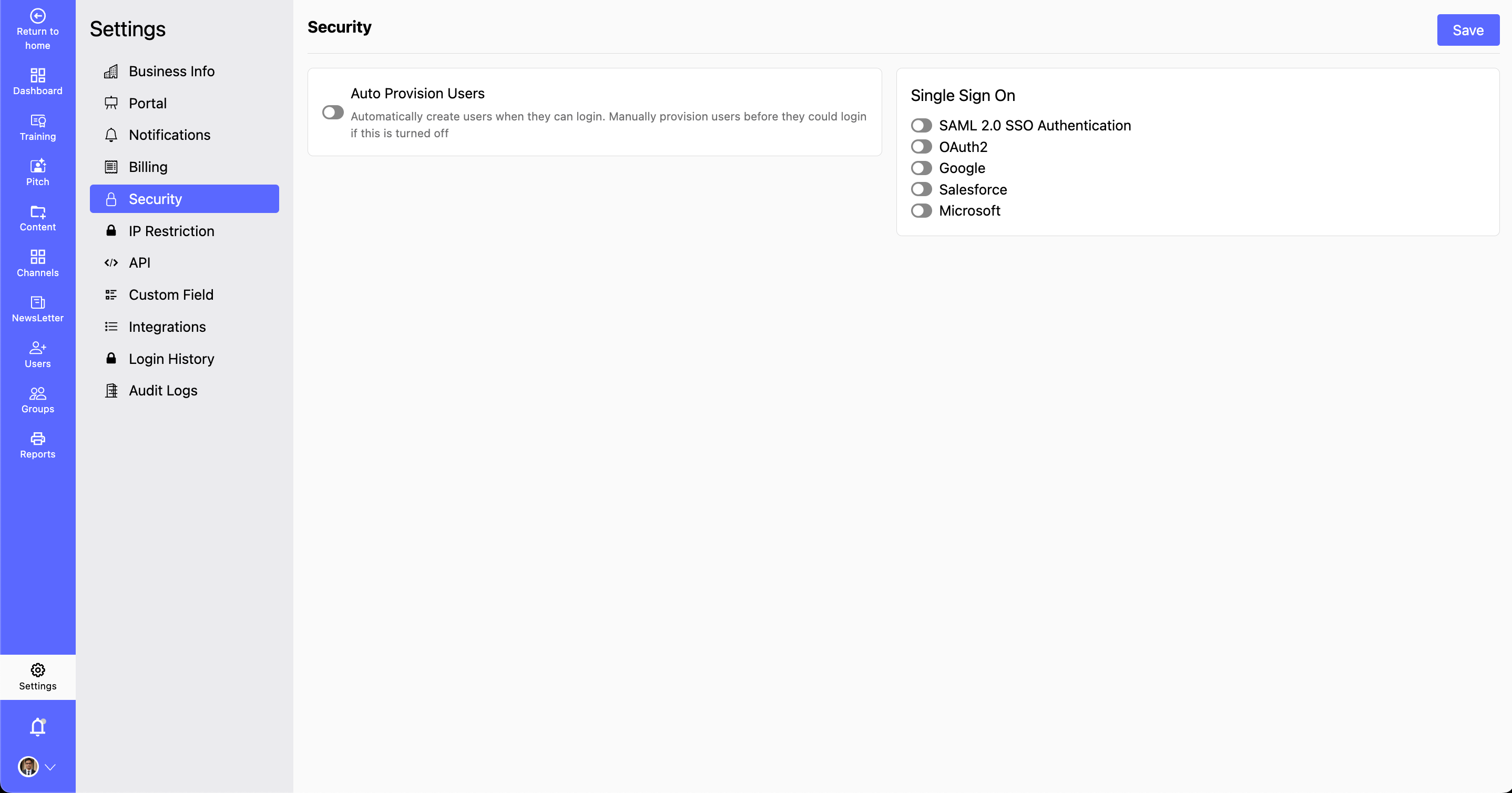
- The Security section allows you to manage authentication settings, ensuring secure access to the CircleHD platform. Here, you can enable automatic user creation and configure Single Sign-On (SSO) with trusted authentication providers such as Google, Salesforce, and Microsoft.
# What is Single Sign-On?
  - Single Sign-On (SSO) allows users to access the CircleHD platform using a single set of login credentials from an external authentication provider.
  - This enhances security, reduces password fatigue, and simplifies user management.
# Why Configure Security Settings?
- Enhance Access Control: Restrict unauthorized access to your platform.
- Simplify User Login: Enable seamless authentication with SSO.
- Automate User Creation: Automatically create new user accounts when they authenticate via SSO.
How to Configure Security Settings?
Step 1: Navigate to Settings > Security.
Step 2: Enable Automatic User Creation (Optional):
Toggle the option to automatically generate user accounts for authenticated users. Automatically create users when they can login. Manually provision users before they could login if this is turned off
Step 3: Configure Single Sign-On (SSO):
- Choose an authentication provider from the available options:
- SAML 2.0 SSO Authentication: SAML (Security Assertion Markup Language) is an enterprise-grade authentication protocol that allows organizations to provide SSO across multiple applications. You can refer this page (opens new window) for more information.
- OAuth2: OAuth 2.0 is a widely used authorization framework that allows third-party applications to request limited access to user accounts without exposing login credentials. For more information , refer to this page (opens new window)
- Google: Google SSO enables users to log in with their Google Workspace or Gmail account. You can refer this page (opens new window) for more information.
- Salesforce :Salesforce SSO enables authentication using Salesforce Identity and integrates with existing CRM workflows. You can refer this page (opens new window)
- Microsoft: Microsoft SSO allows users to authenticate using Microsoft Entra ID (formerly Azure Active Directory), commonly used by enterprises. You can refer this page (opens new window)
- Enter the necessary credentials or API keys required for integration.
Step 4: Save Changes:
Review all configurations.
Click Save Changes to apply security settings.