
# Billing
- The Billing section helps you keep track of your billing plans, invoices, and upcoming payment dates. This ensures you have full visibility into your subscription details and payment history.
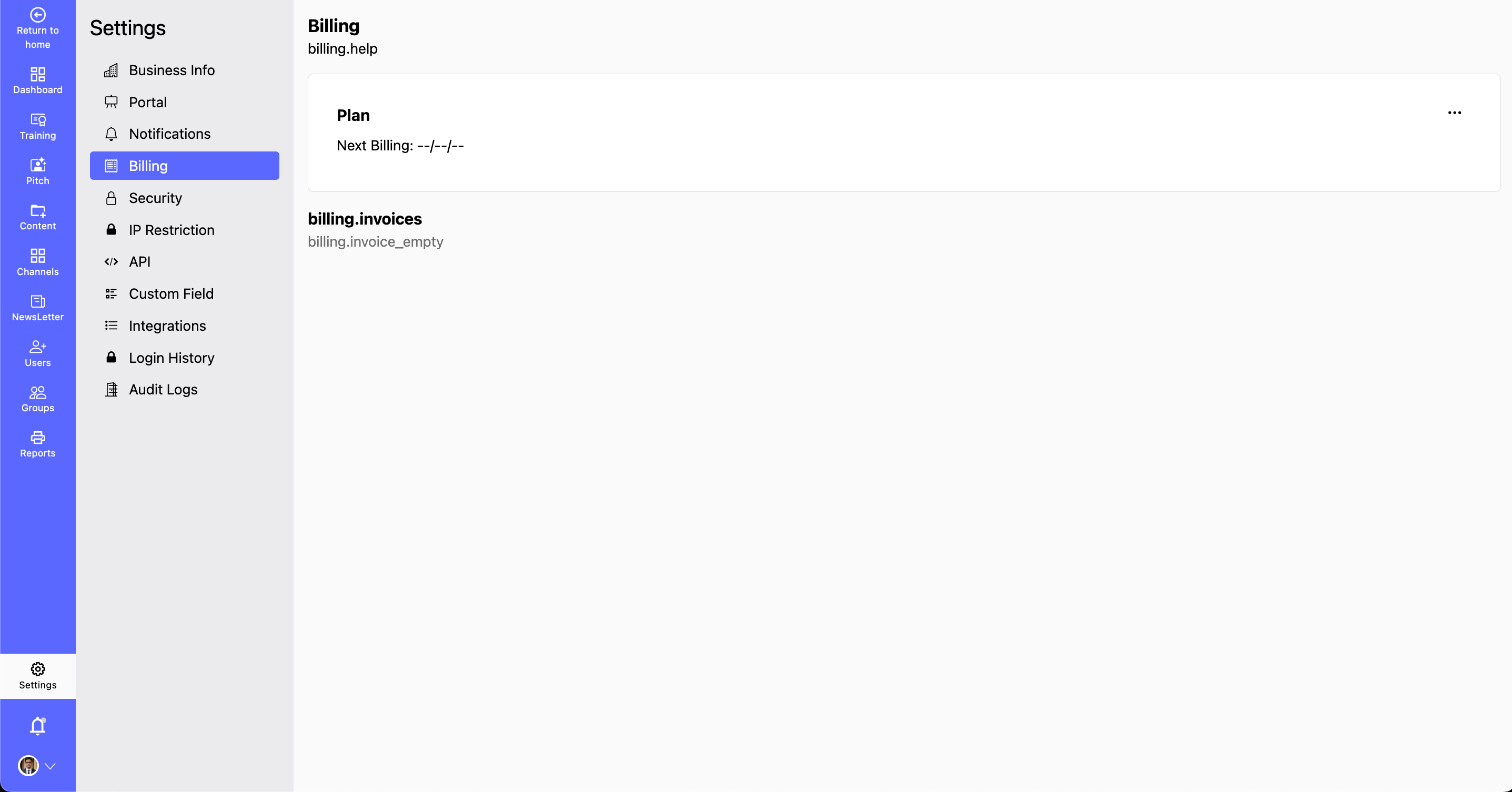
- Manage billing details:
- Step 1. Navigate to the Settings section.
- Step 2. Select Billing.
- Step 3. View Your Current Plan:
- You can Check your active billing plan and its features.
- You can Upgrade or downgrade your plan if needed.
- Monitor Your Invoices:
- You can View past and current invoices for record-keeping.
- You can Download invoices for expense tracking and compliance.
- Check Your Next Billing Date:
- Stay informed about your next scheduled payment.
- Set up reminders to ensure timely payments.
- Update Payment Details:
- Add or modify your preferred payment method.
- Ensure your payment information is valid to avoid failed transactions.
- By regularly reviewing your billing settings, you can manage subscriptions efficiently, prevent service interruptions, and maintain financial transparency.