
# Business Info Settings
- The Business Info section allows you to add and update your organization's essential details, such as business name, address, and contact information. Keeping this information accurate ensures proper documentation and smooth communication.
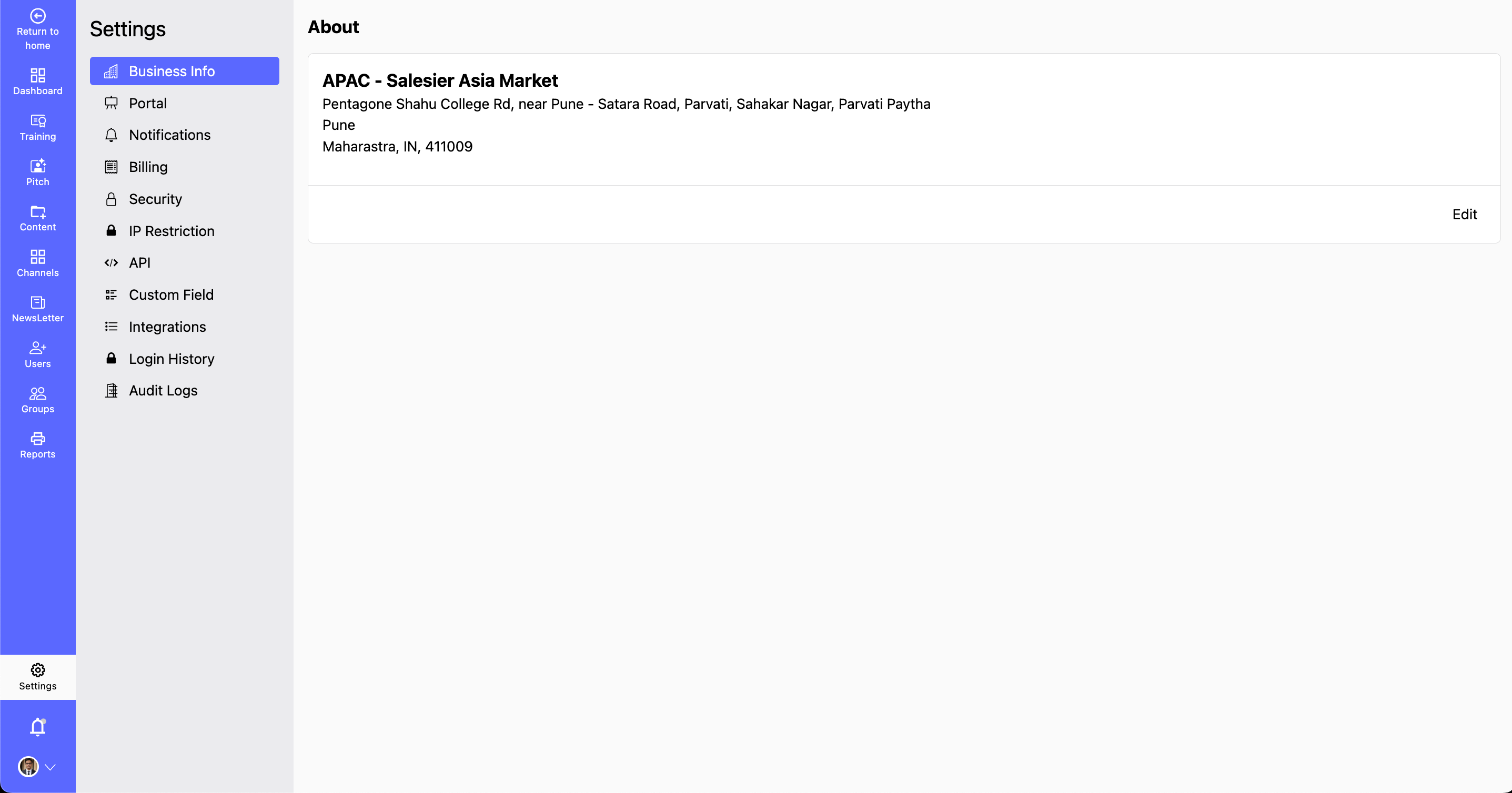
How to Update Your Business Information?
Step 1: Navigate to Settings > Business Info.
- Here, you can view and manage your organization's details.
Step 2: Click Edit button to update Business Details:
- Click the Edit button located at the right end of the section.
- Update fields such as Business Name, Address, Contact Number, and Email.
Step 3: Verify and Save Changes:
- Review the updated information for accuracy.
Click Save Changes to apply the updates successfully.
- By keeping your business information up to date, you ensure accurate records, better communication, and smooth operations.